API Explorer
The API Explorer plugin provides a built-in, interactive interface for viewing your application’s OpenAPI documentation and testing your endpoints directly from the browser. It integrates seamlessly with Shokupan’s automatic OpenAPI generation.
Installation
Section titled “Installation”The API Explorer plugin is included in the shokupan package.
import { Shokupan, ApiExplorerPlugin } from 'shokupan';
const app = new Shokupan();
// ... define your routes ...
app.register(new ApiExplorerPlugin(), {    path: '/explorer' // Optional: defaults to /explorer});
Configuration
Section titled “Configuration”The ApiExplorerPlugin accepts the following options:
interface ApiExplorerOptions {    /**     * Base path where the explorer will be mounted.     * Can also be set via the second argument to app.register().     * Default: '/explorer'     */    path?: string;
    /**     * Optional base OpenAPI document to merge with generated specs.     */    baseDocument?: any;}
Features
Section titled “Features”-
Automatic Integration: Automatically fetches the OpenAPI spec generated by your Shokupan application.
-
Interactive UI: Provides a user-friendly interface to browse paths, schemas, and endpoints.
-
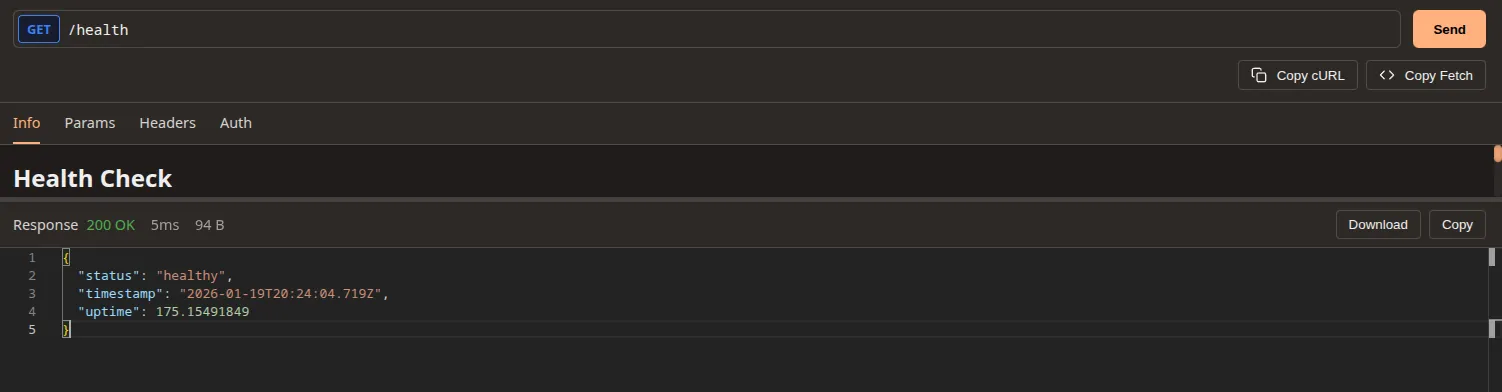
Try It Out: Execute requests against your API directly from the documentation.
-
Source View: View snippets of the source code associated with endpoints (if enabled in development).
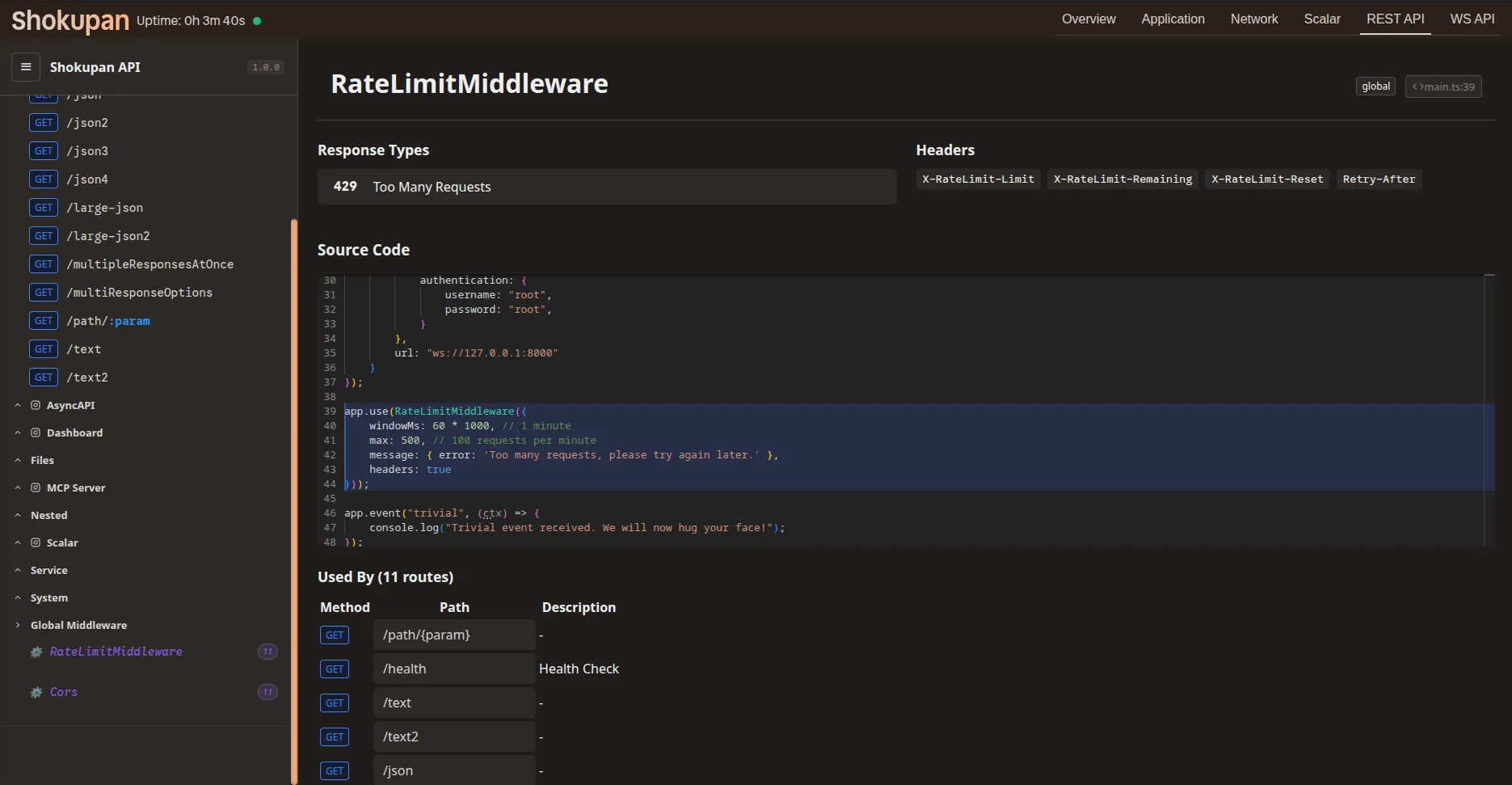
Once registered, navigate to the configured path (e.g., http://localhost:3000/explorer) to access the interface.
The explorer will automatically load the OpenAPI specification from your application’s .well-known/openapi.yaml endpoint.
[!TIP] Source Code Mapping via AST The API Explorer heavily integrates with Shokupan’s AST engine to automatically reflect the generated OpenAPI specification and magically map snippets of your underlying source-code routines directly into the documentation interface.
If you are deploying to production and wish to avoid the start-up cost of runtime AST generation, you can pre-compile the specification in CI. Check out the AST Generation Guide for more details!
AsyncAPI Support
Section titled “AsyncAPI Support”If you have enabled AsyncAPI generation in your application config, the API Explorer can also display your AsyncAPI documentation.
const app = new Shokupan({ enableAsyncApiGen: true});